
Weddings
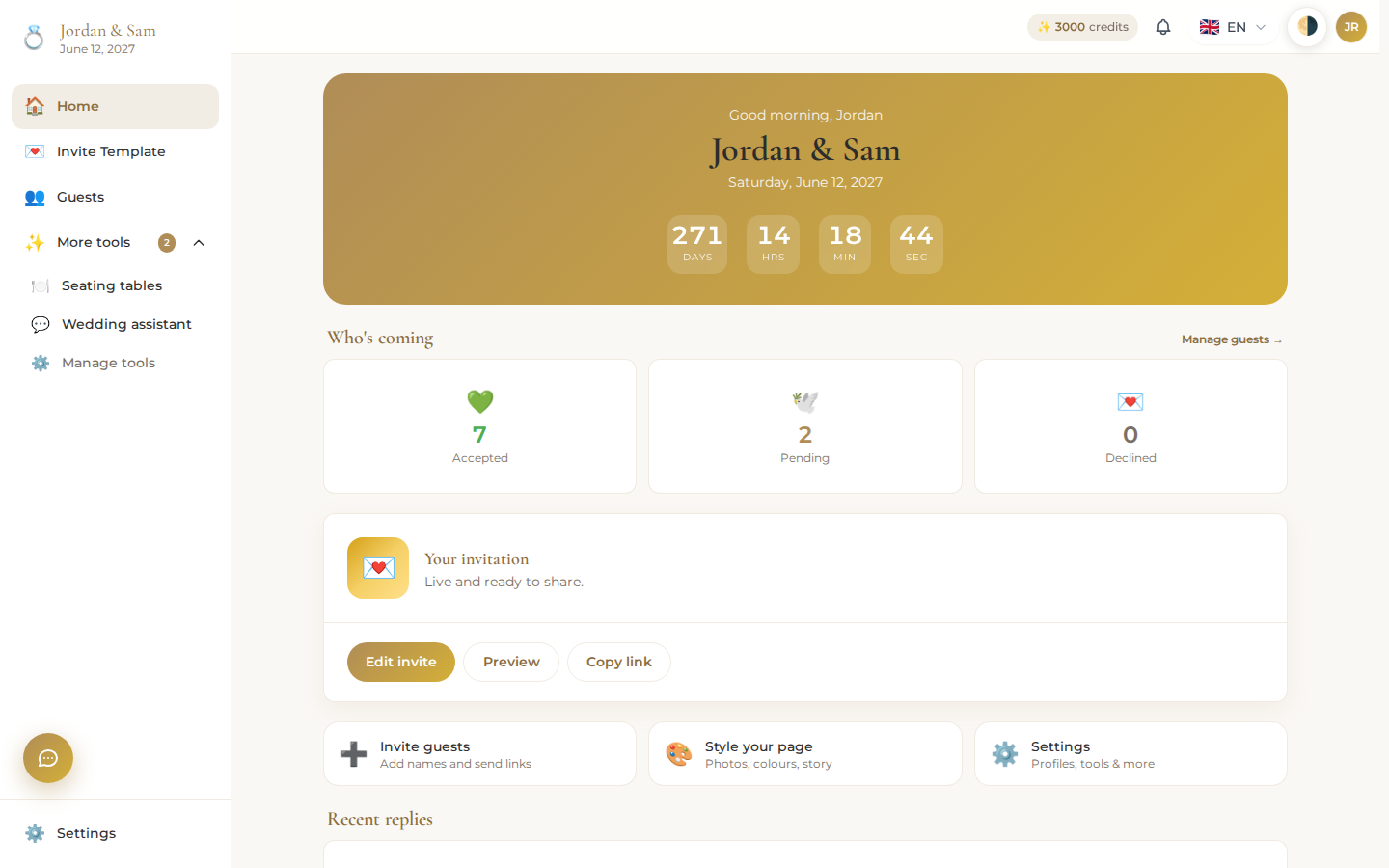
Weddings, at weddings.devghouse.com, is where a couple builds their wedding invitation, tracks who's coming, and plans the seating, all in one place. Guests get a single link that works on any phone: they read the invite, see the story and photos, find the venue on a map, and answer RSVP right there. No app to install, nothing for them to sign up for.
Who this is for
- A couple planning a wedding who wants one link to send instead of paper invites, a spreadsheet, and a group chat.
- Anyone who wants real RSVP numbers, not a guess, with guests answering Yes or No right on the invite.
- A couple with assigned seating who wants to drag guests onto tables instead of juggling a seating chart on paper.
What you can do
| Feature | What it does |
|---|---|
| Getting started | Create your account, pay the one-time entry fee, and land in your dashboard with 3,000 wedding credits. |
| Design your invitation | Pick a starting style from the template gallery, then add, remove, and reorder sections: story, photo gallery, gift registry, and more. |
| Your invitation, guest side | What your guests actually see when they open your link: the cover, your story, the map, and the RSVP form. |
| Guests and RSVPs | Add guests one at a time or import a list, watch RSVPs land automatically, and message individual guests. |
| Seating charts | Lay out tables in a 3D floor plan or a simple list, and drag guests onto seats. |
| Dashboard and settings | Your wedding's home screen, couple details, inviting a partner to co-edit, and account preferences. |
| Wedding assistant | A built-in chat that can edit your invite and seating for you, or connect your own Claude, Codex, or Kimi to do the same. |
| Custom sections | Describe a section in chat and get a piece built for your invitation that no template offers. |
| Credits and billing | What the entry fee includes, what credits cost, and how to top up. |
| Common problems | What to check when something doesn't work the way you expect. |
A standalone product with its own account and credits
Weddings is its own product. You sign in with your regular DevGhouse account, but everything else about it stands on its own: your wedding lives at its own web address, your wedding credits are their own wallet (unlocked by the one-time entry fee below), and they don't mix with credits you might have in any other DevGhouse app. If you're part of a shared DevGhouse workspace elsewhere, that has no bearing on your wedding: it belongs to you and whoever you invite to co-plan it.
How it connects to the rest of DevGhouse
Weddings shares its sign-in with every DevGhouse product, so if you already have a DevGhouse account, you're one step from starting your wedding. Photos, invite backgrounds, and anything else you generate for your wedding use the same AI image and video tools other DevGhouse products use, billed from your wedding credits rather than a separate balance.
Credits
Getting into Weddings costs a one-time entry fee that fills your wedding wallet with 3,000 credits. From there, day-to-day actions like inviting a guest cost a small number of credits each, and you can top up any time from your dashboard. See Credits and billing for exact amounts.