
Courses
Courses, at courses.devghouse.com, is where you find a course, enroll, and watch its lessons. Buy once, watch anywhere, and finish every lesson to earn a certificate. Anyone with a DevGhouse account can teach a course too; that side of it happens from the main workspace, not from this site.
Courses is currently in beta, and the catalog is still filling up. This guide covers everything the app can do once courses are listed, plus what you can already do today: create your account, understand how enrollment and pricing work, and see how an instructor gets a course onto the site.
Who this is for
- Learners who want to buy a course, watch its lessons, and come back later without losing their place.
- People who already made something to teach, a workshop, a skill, a walkthrough, and want to sell access to it.
What you can do
| Feature | What it does |
|---|---|
| Getting started | Create your account and get past the one-time setup step as a learner. |
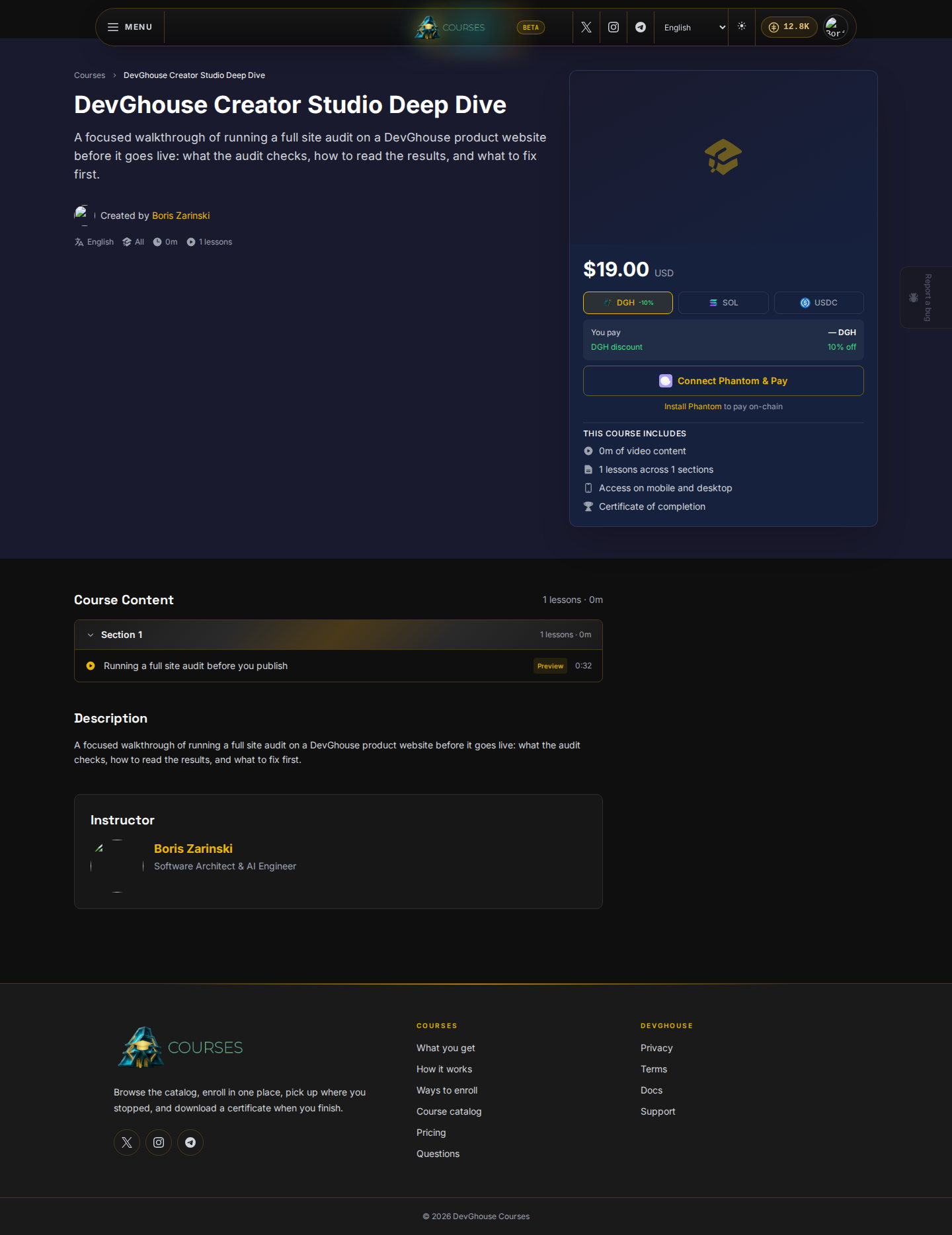
| Browsing courses | Search the catalog and open a course's page to read its outline before buying. |
| Enrolling and paying | Pay with the shared DevGhouse wallet, connect Phantom for an on-chain payment, or enroll free. |
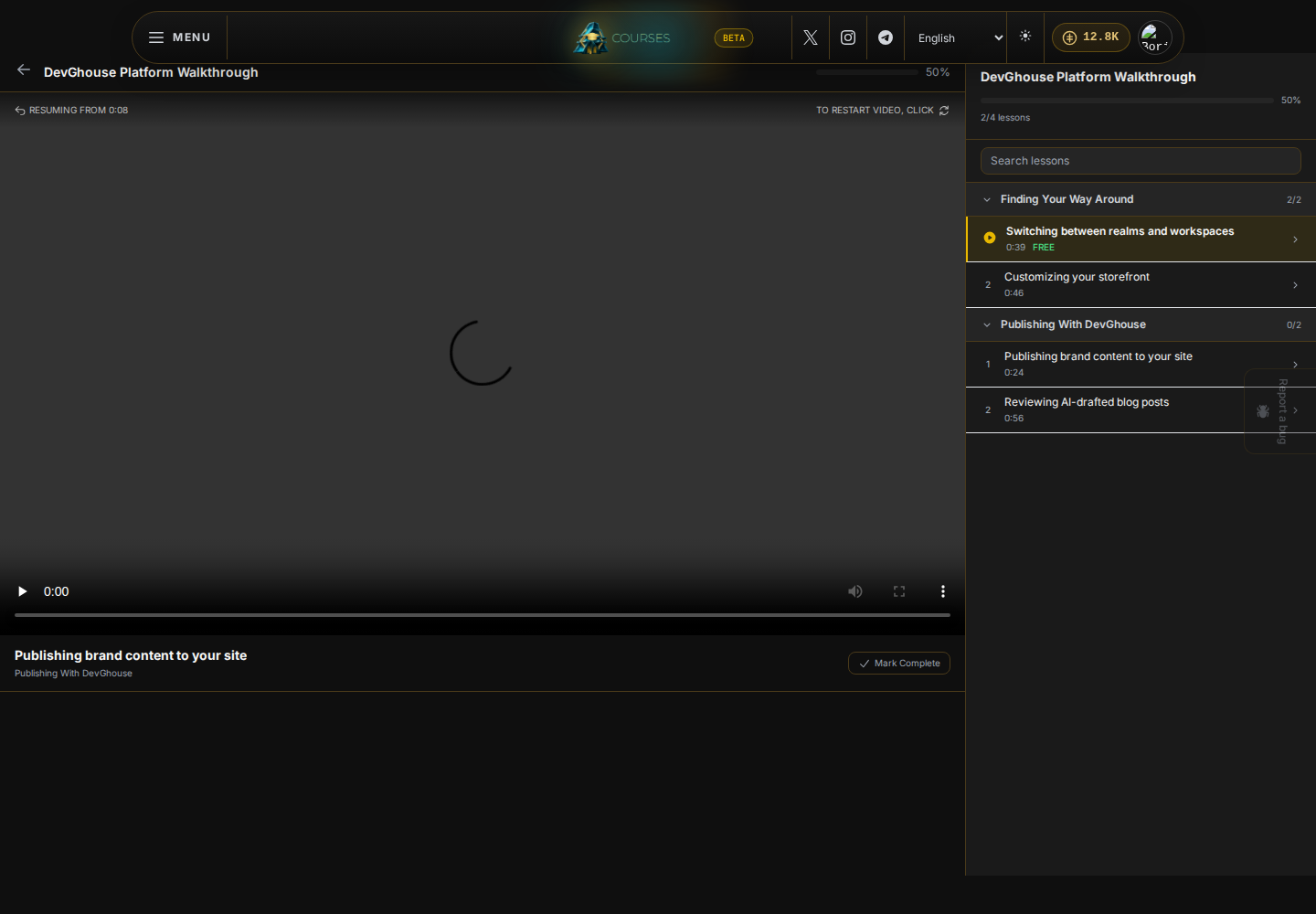
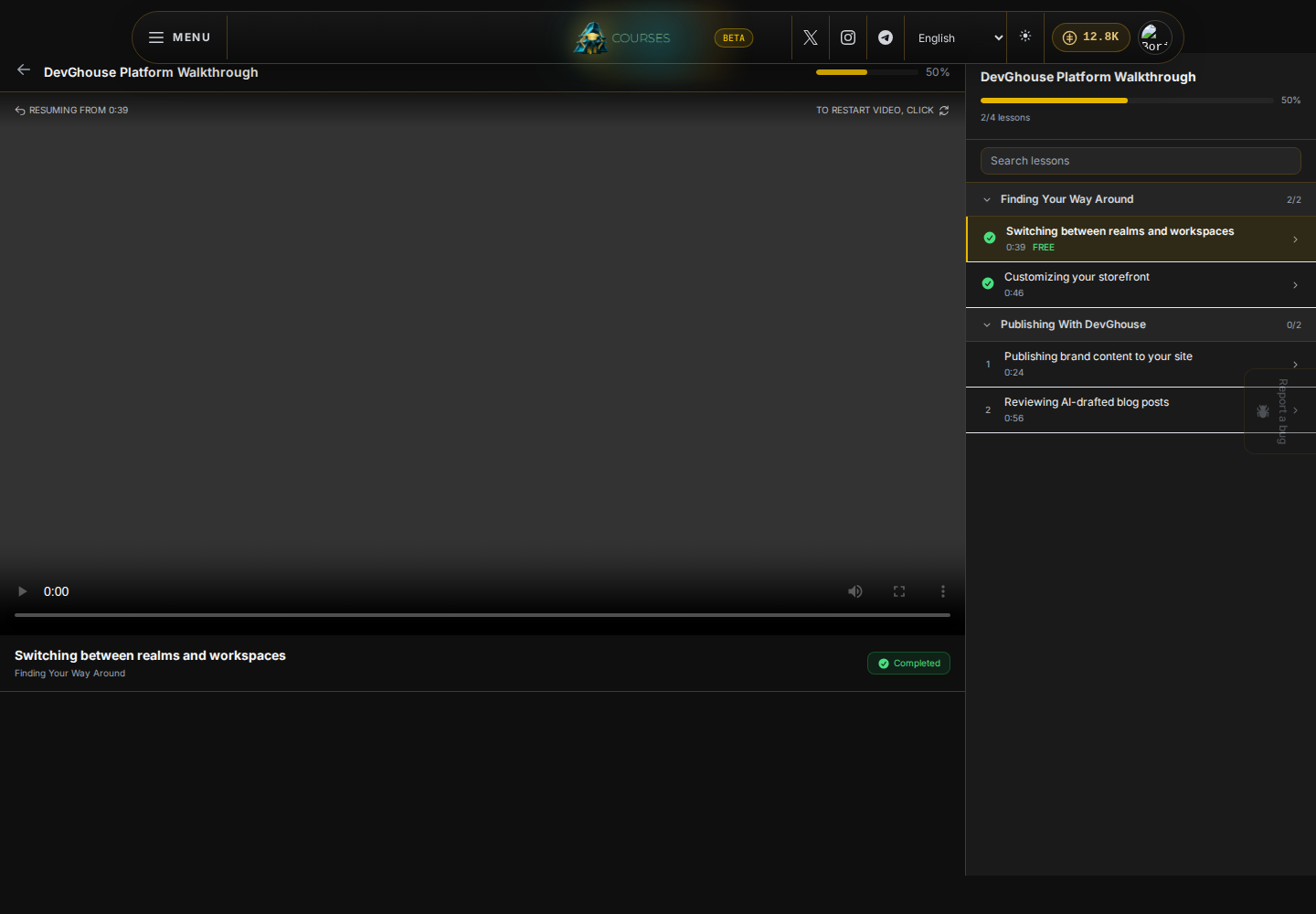
| Watching and progress | Watch lessons in the built-in player, resume exactly where you stopped, and download a certificate at 100%. |
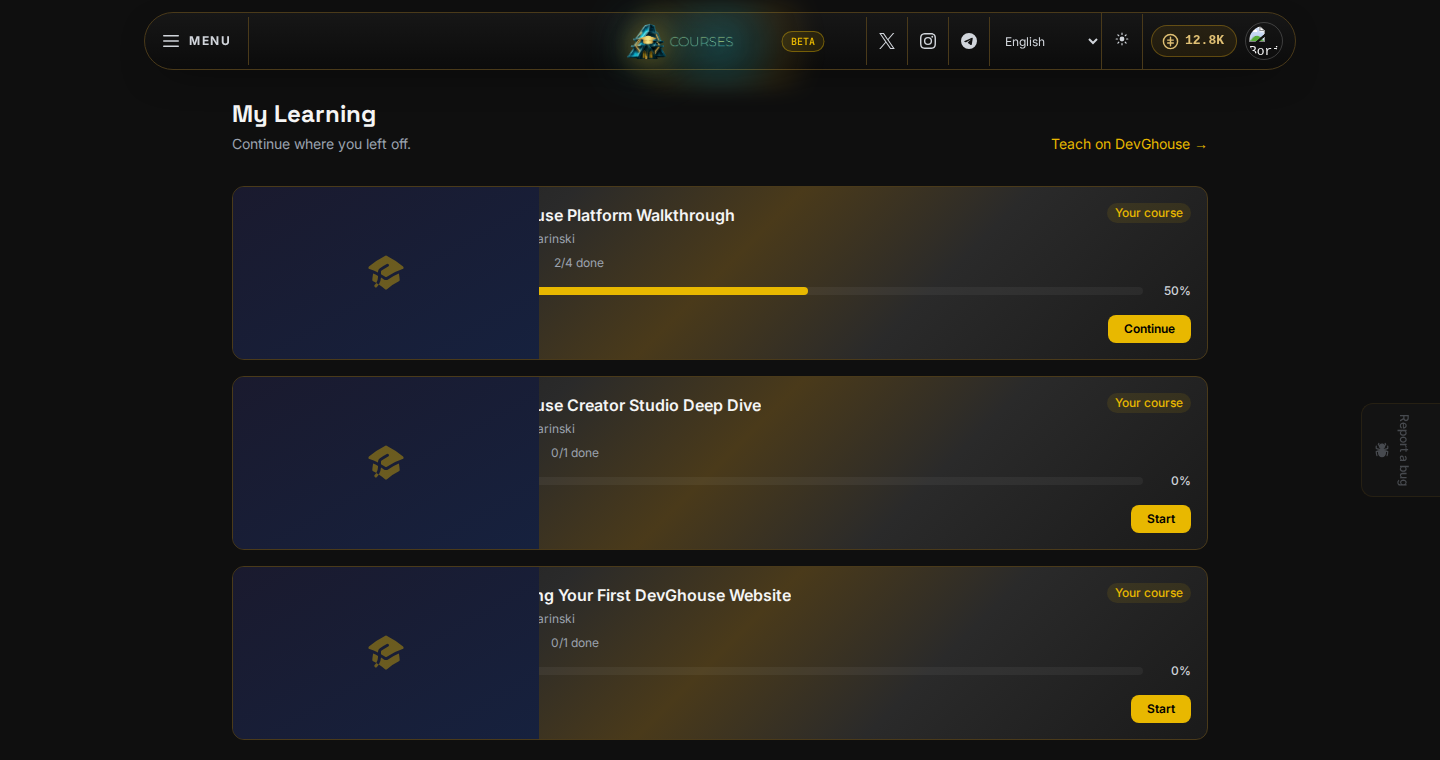
| My Learning and your library | Your owned courses, your purchase history, and courses you have hearted, all in one place. |
| Teaching a course | Turn something you know into a course from the main DevGhouse workspace. |
| Common problems | What to do when a course will not play, a payment does not go through, or your progress looks wrong. |
The promise the app makes is straightforward: browse, enroll, learn at your pace, and finish with proof. A course's own page carries the price and the full curriculum before you buy:
How it connects to your workspace
Courses is its own site with its own sign-up page and its own web address, but it is not a separate account. It runs on the same DevGhouse login, the same credit balance, and the same one-time marketplace setup step as every other DevGhouse product:
- Sign up once on Courses (or on any other DevGhouse product) and you can sign in everywhere with the same username and password.
- The credit balance shown in the top bar is your whole-account balance, shared with the workspace, Marketplace, and every other product. Courses does not keep a separate balance.
- The first time you use a paid feature on any DevGhouse product, you go through the same short setup step: a one-time marketplace fee if you plan to sell, or Skip payment followed by Continue as Buyer Only if you only want to buy and enroll. Do that once and it carries over everywhere, including Courses.
- Teaching a course happens from
app.devghouse.com, your main workspace, using the same account.
Real money and credits
Enrolling in a paid course spends credits or, if you connect Phantom, a small on-chain payment in SOL, DGH, or USDC. Free courses cost nothing to enroll in. Nothing in this guide asks you to spend anything to look around: browsing the catalog and reading a course's page is always free and does not require an account.