
One section per app
Every DevGhouse product gets its own numbered section, in the order a new user meets it. The sidebar reads as a product catalogue.
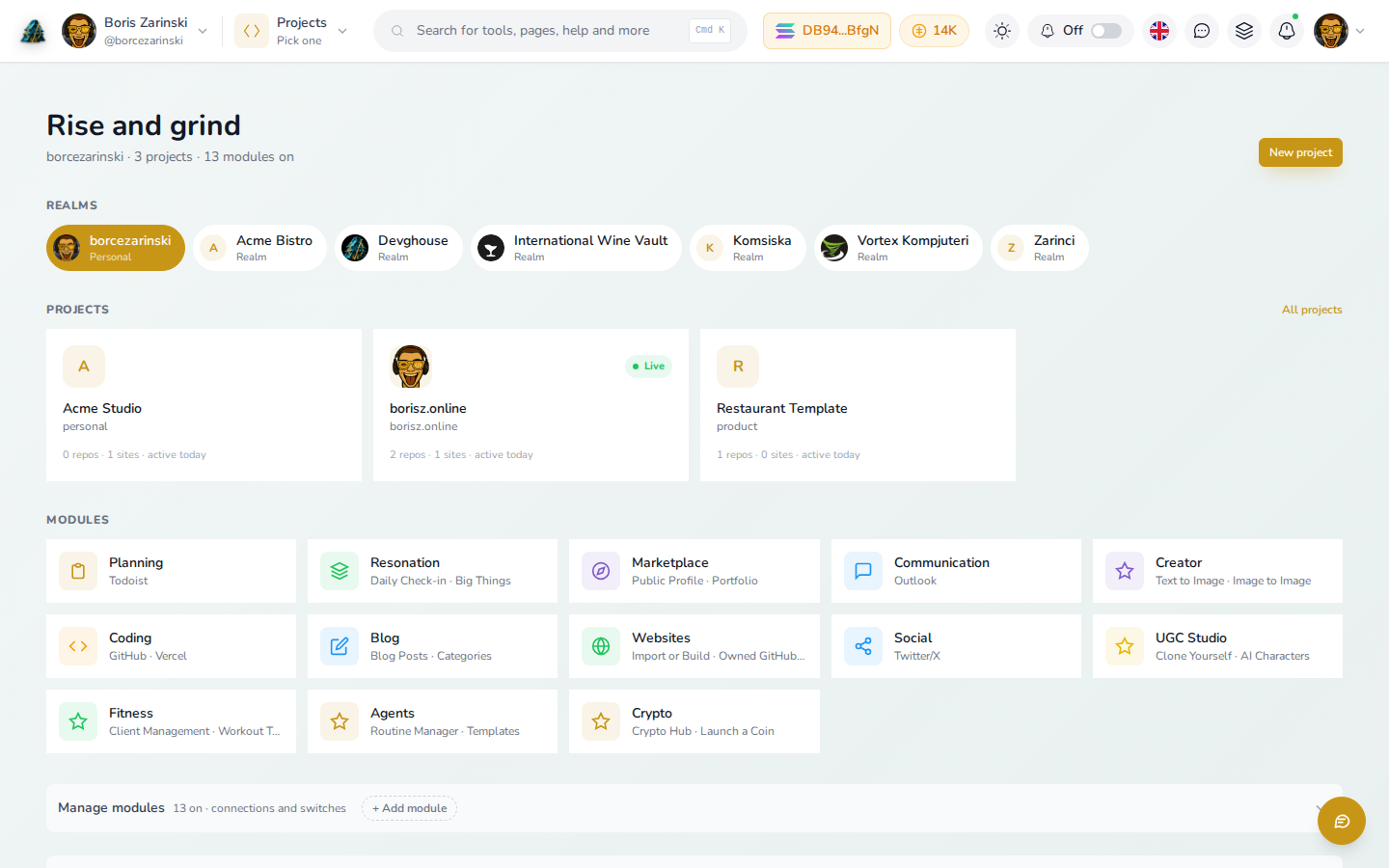
DevGhouse Docs
Step-by-step guides for every DevGhouse app, drafted from real product flows and kept in sync by AI. The same pipeline can write your product docs on your own AI subscription for 1 credit per successful run.
Built for the task
Every page walks through one job with the real screen beside the exact step it explains.
Every DevGhouse product gets its own numbered section, in the order a new user meets it. The sidebar reads as a product catalogue.
Guides ship light and dark captures, plus phone viewport variants, so the picture always matches the screen in your hand.
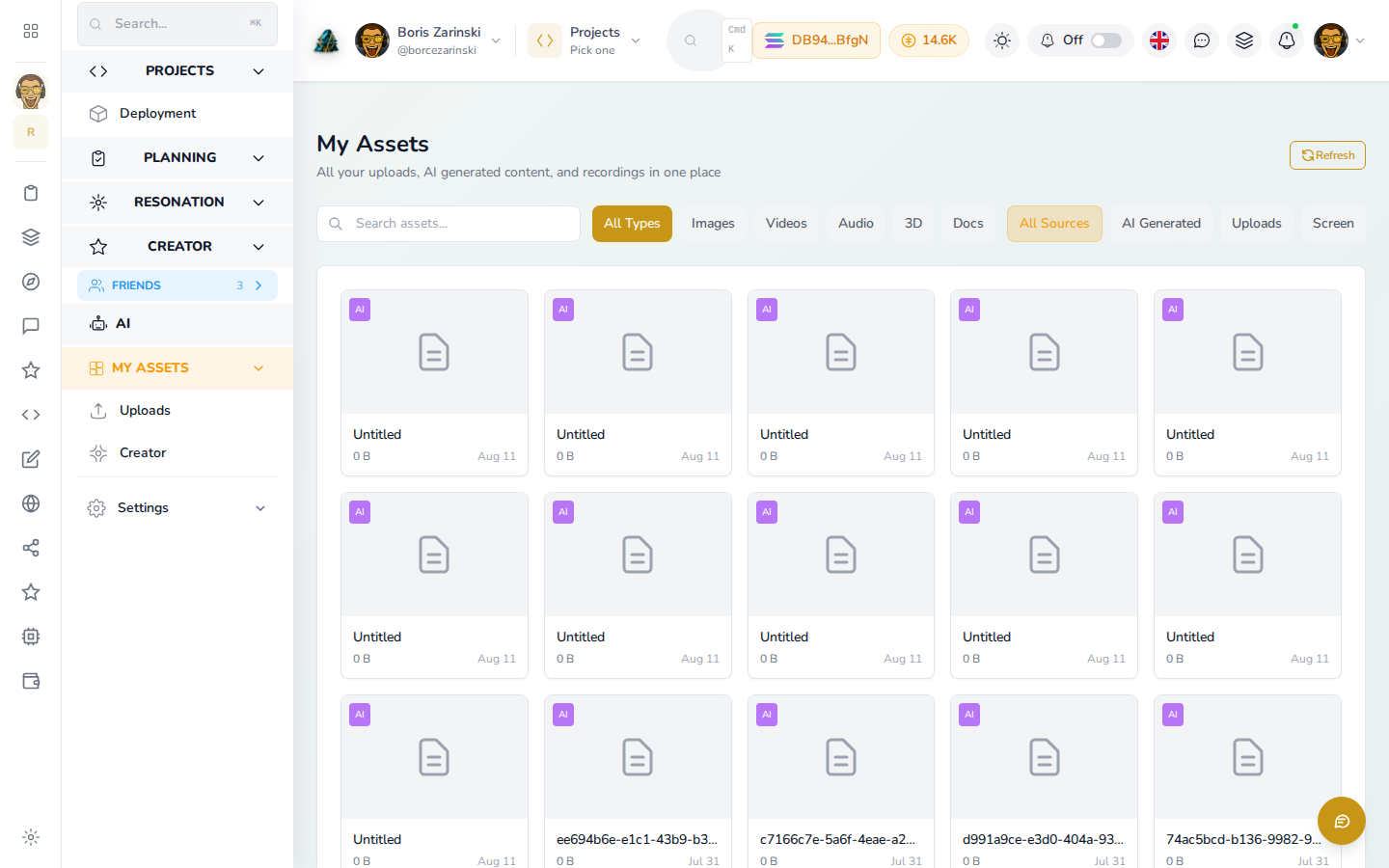
Multi-step flows open with a short recording of the real flow, so you can watch once and then do it yourself.
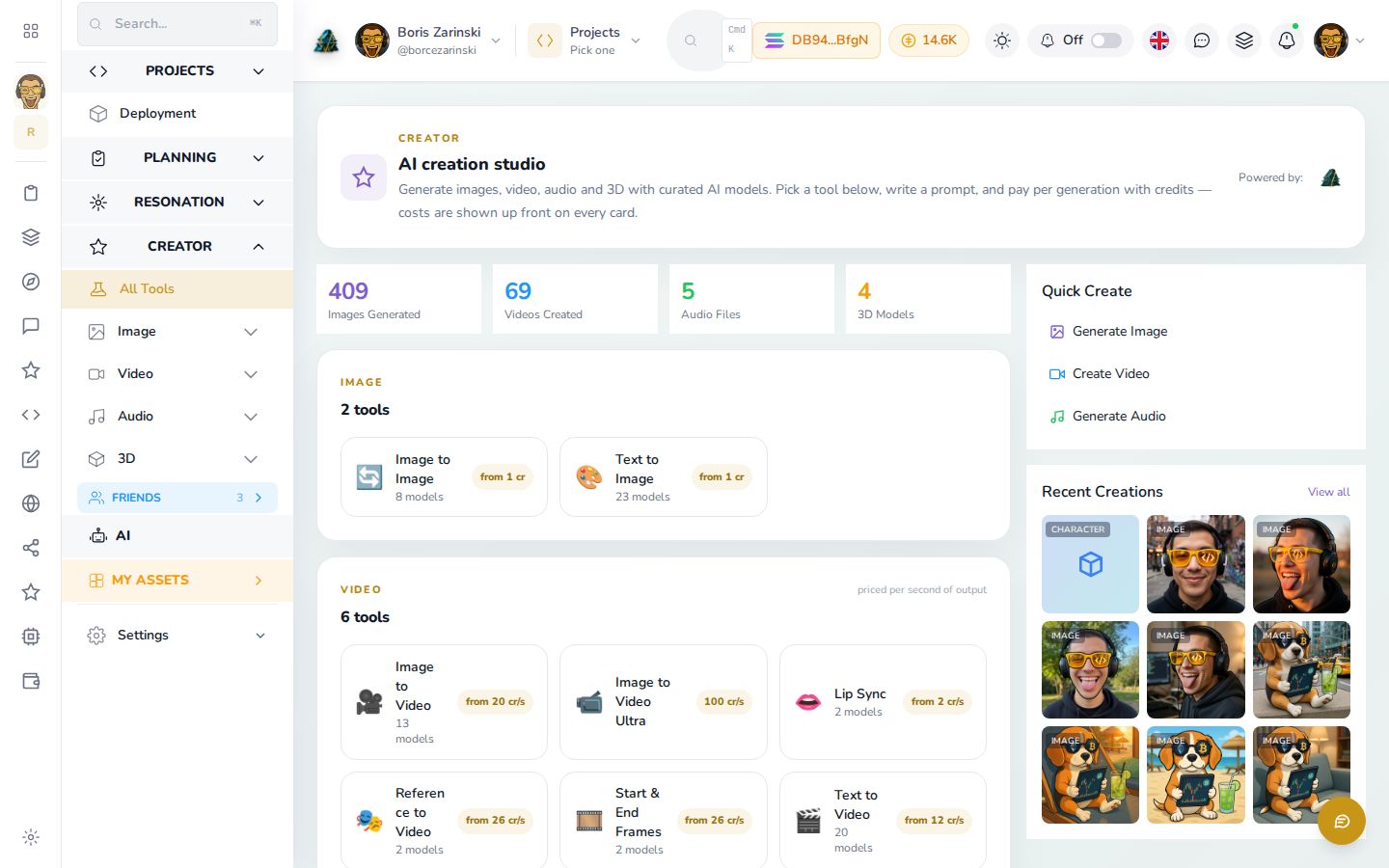
An in-page assistant answers questions against the guides you are reading, right where you get stuck.
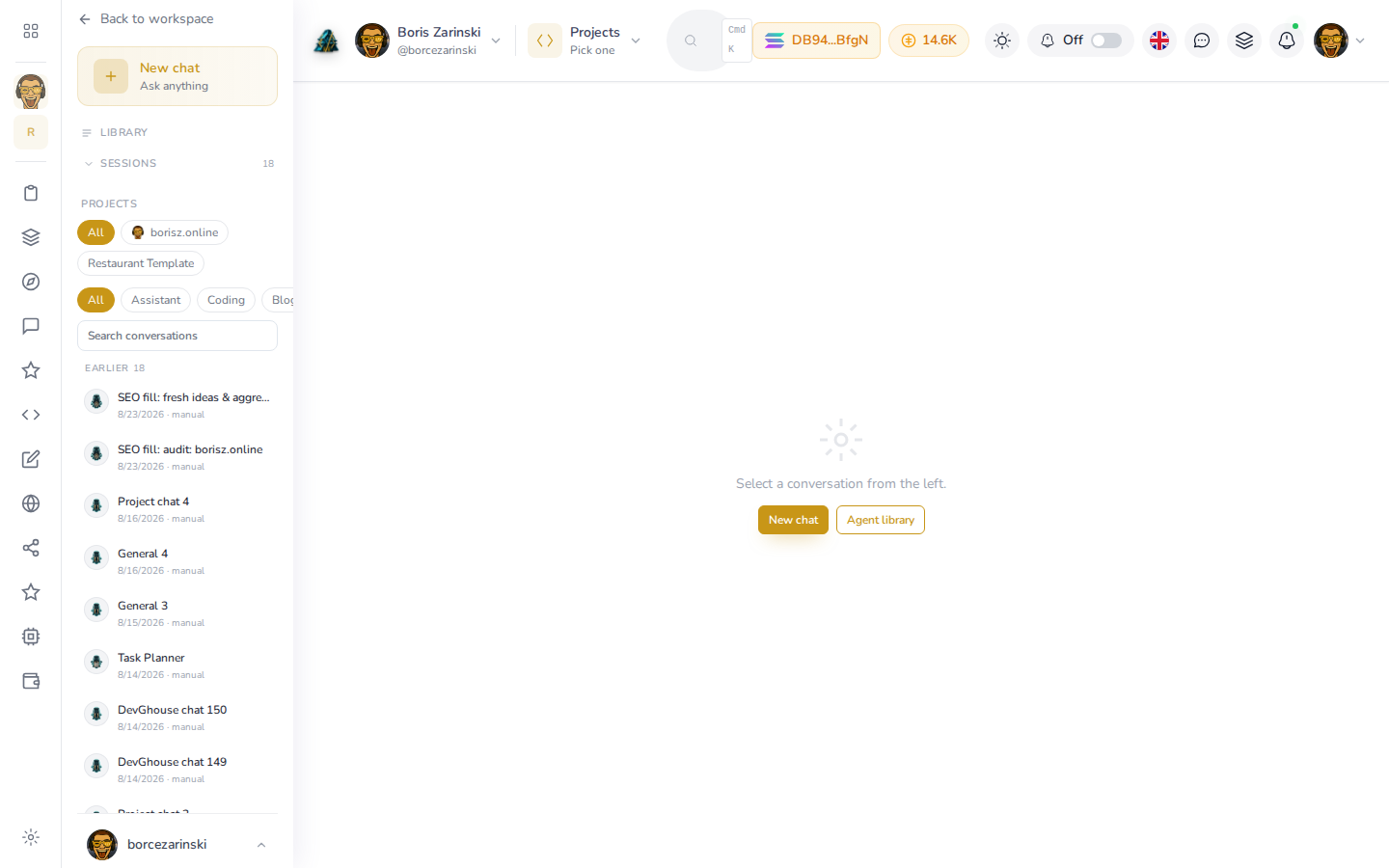
How it works
Choose the subject, bring what you already have, and put the right AI lane in charge of maintenance.
A product, knowledge base, API guide, or internal handbook. The quick setup shapes the structure for you.
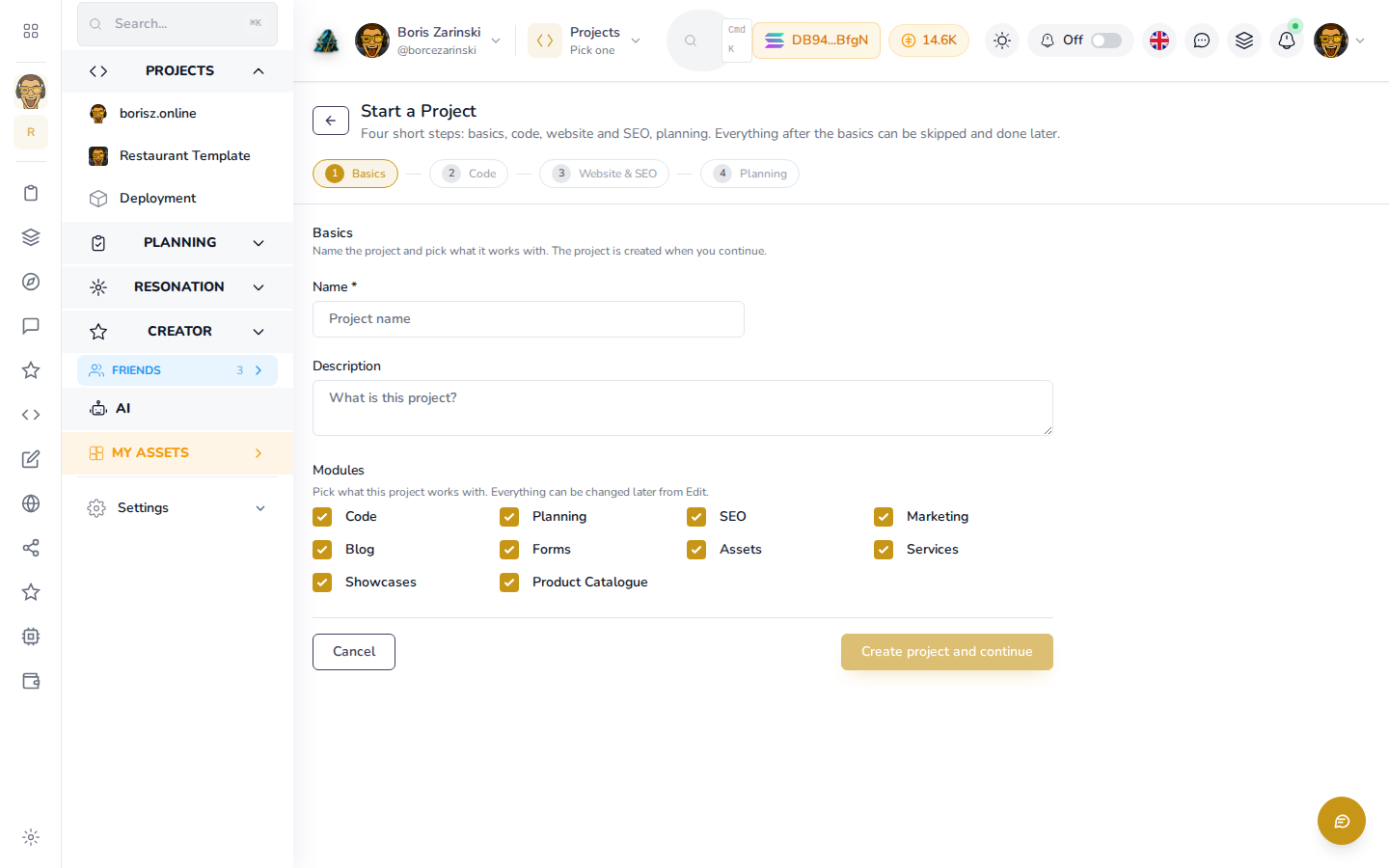
Bring existing markdown or an export, or start with a clean skeleton and let the AI draft the first pass.
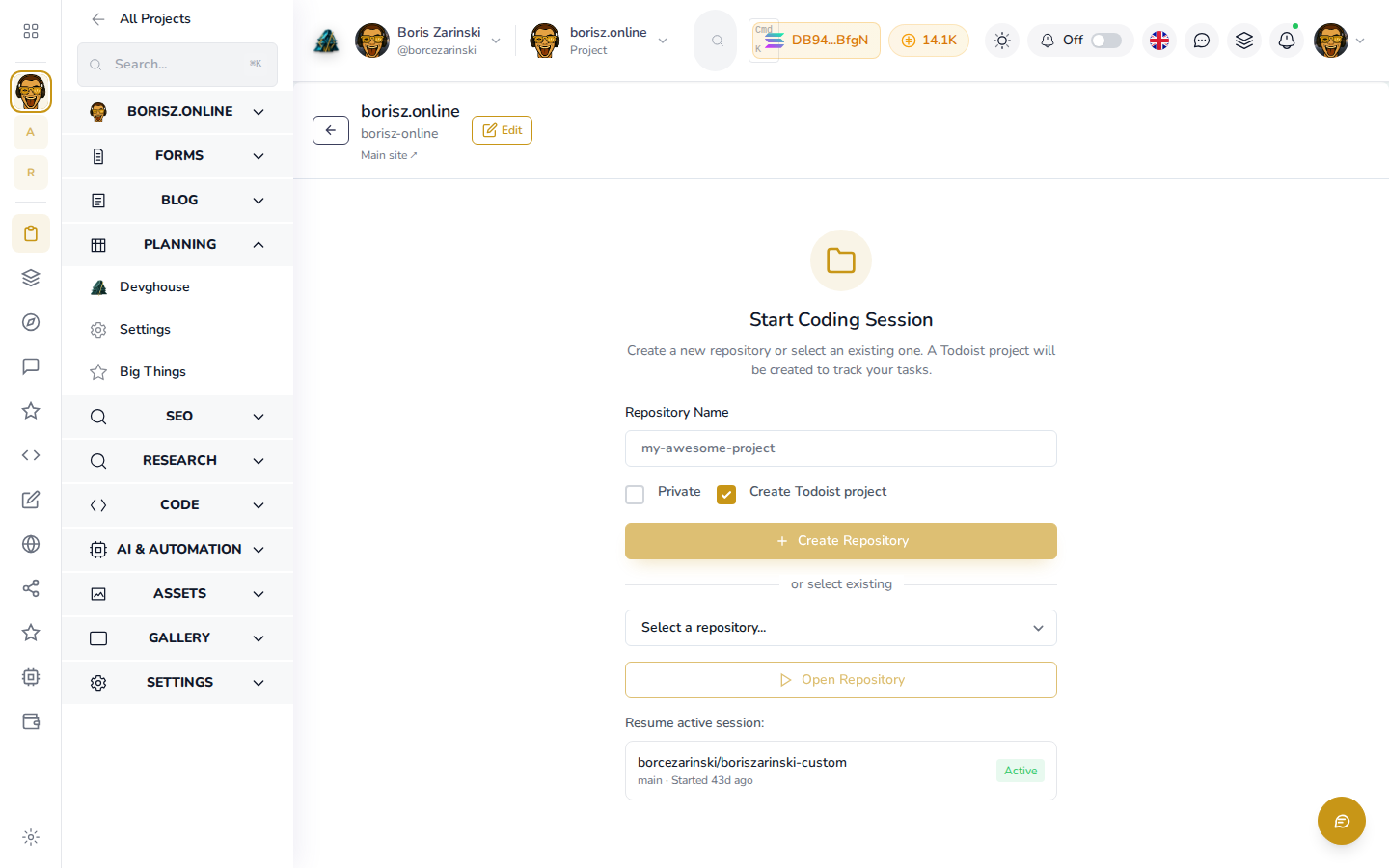
Agents draft pages from real flows and keep them in sync as the product changes, using the provider lane you pick.
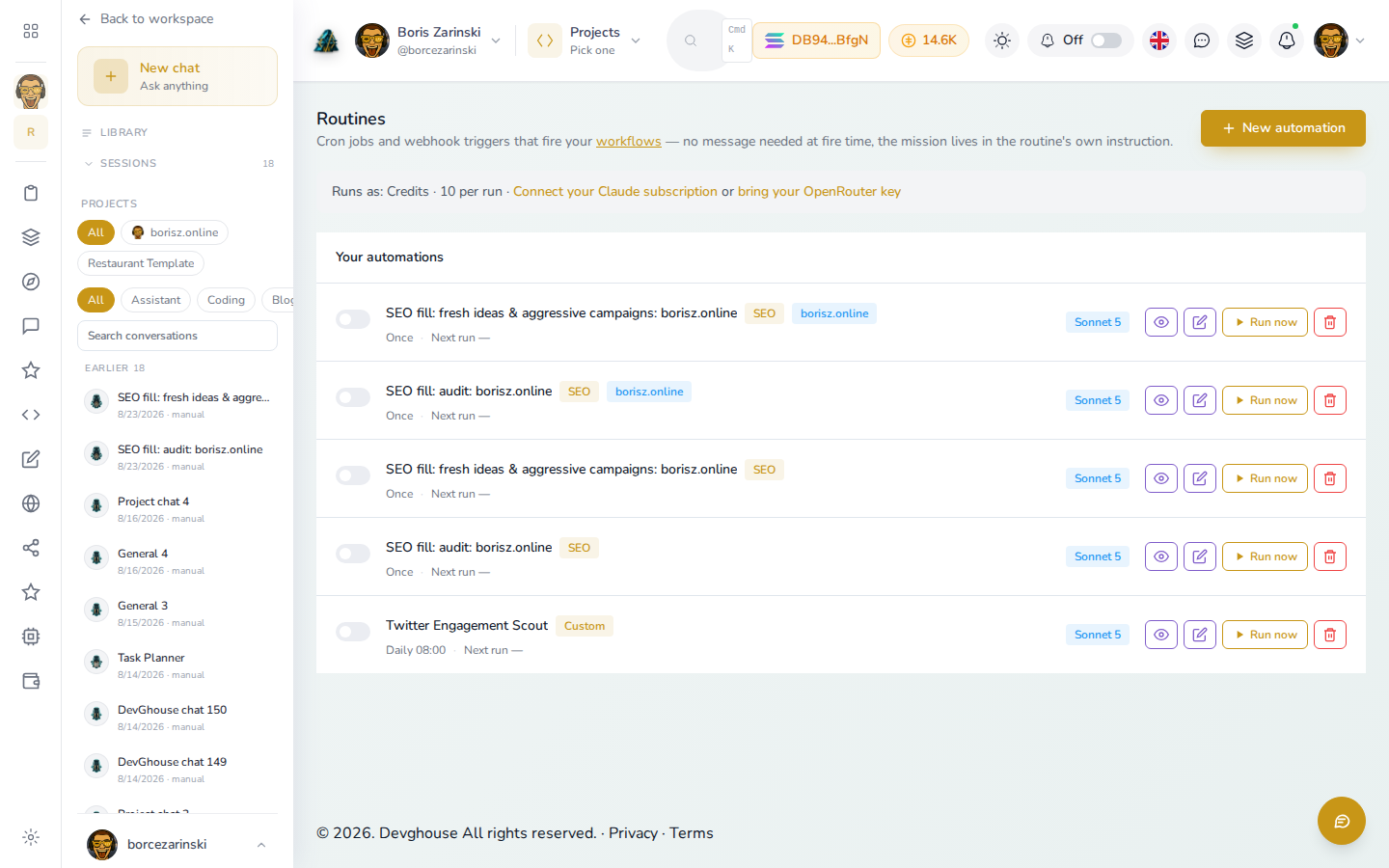
Provider lanes
Connect an account you already pay for, or use the DevGhouse Proxy without another setup step.
Your subscription
Connect your own Claude subscription through the native OAuth device flow. Runs execute as your own account, and your plan pays the provider directly.
Flat 1 credit per successful run · 0 on failure
Your account
Bring your own OpenAI/ChatGPT account. The same flat-credit rule applies, and your subscription covers the provider cost.
Flat 1 credit per successful run · 0 on failure
Your account
Bring your own Moonshot/Kimi account. Runs execute as your own account, on the same flat-credit rule as the other BYO lanes.
Flat 1 credit per successful run · 0 on failure
No account needed
Nothing to connect. Pick it and go, metered at real provider cost × 1.5 and charged in credits.
Real provider cost × 1.5 · 0 on failure
$1 = 100 credits, and one credit balance covers every DevGhouse app. On the bring-your-own lanes the flat credit pays for orchestration, while your own subscription pays the provider directly. Every lane charges nothing on a failed run.
Connections
The integration guides cover agent access, source control, search data, and customer communication.
Credits
$1 = 100 credits, and the same balance pays for every DevGhouse app. A successful bring-your-own documentation run costs 1 credit. Failed runs cost 0.
Common questions
Provider billing, shared credits, and the process behind the site you are reading now.
No. The DevGhouse Proxy lane needs nothing to connect and costs the real provider price × 1.5 in credits. If you already pay for Claude, ChatGPT, or Kimi, connect that account instead and successful runs cost a flat 1 credit.
A successful bring-your-own run costs 1 credit, while your subscription pays the provider. DevGhouse Proxy costs the real provider price × 1.5. Failed runs cost 0 on every lane.
Yes. Docs.devghouse.com uses the same process: guides come from real product flows and stay in sync as the apps change.
Everywhere. $1 buys 100 credits and one balance covers every DevGhouse app, including Docs, Workspace, and Marketplace.
Start here
Answer a few setup questions, pick a provider lane, and give your documentation an owner that keeps working after launch.