
Games
Games, at games.devghouse.com, is where you play live matches against real opponents, not bots. Six games are live today: Chess, Texas Hold'em Poker, Backgammon, a Fighter duel, Sport Heads, and Mafia. Every match is real-time, so you and your opponent see each move as it happens.
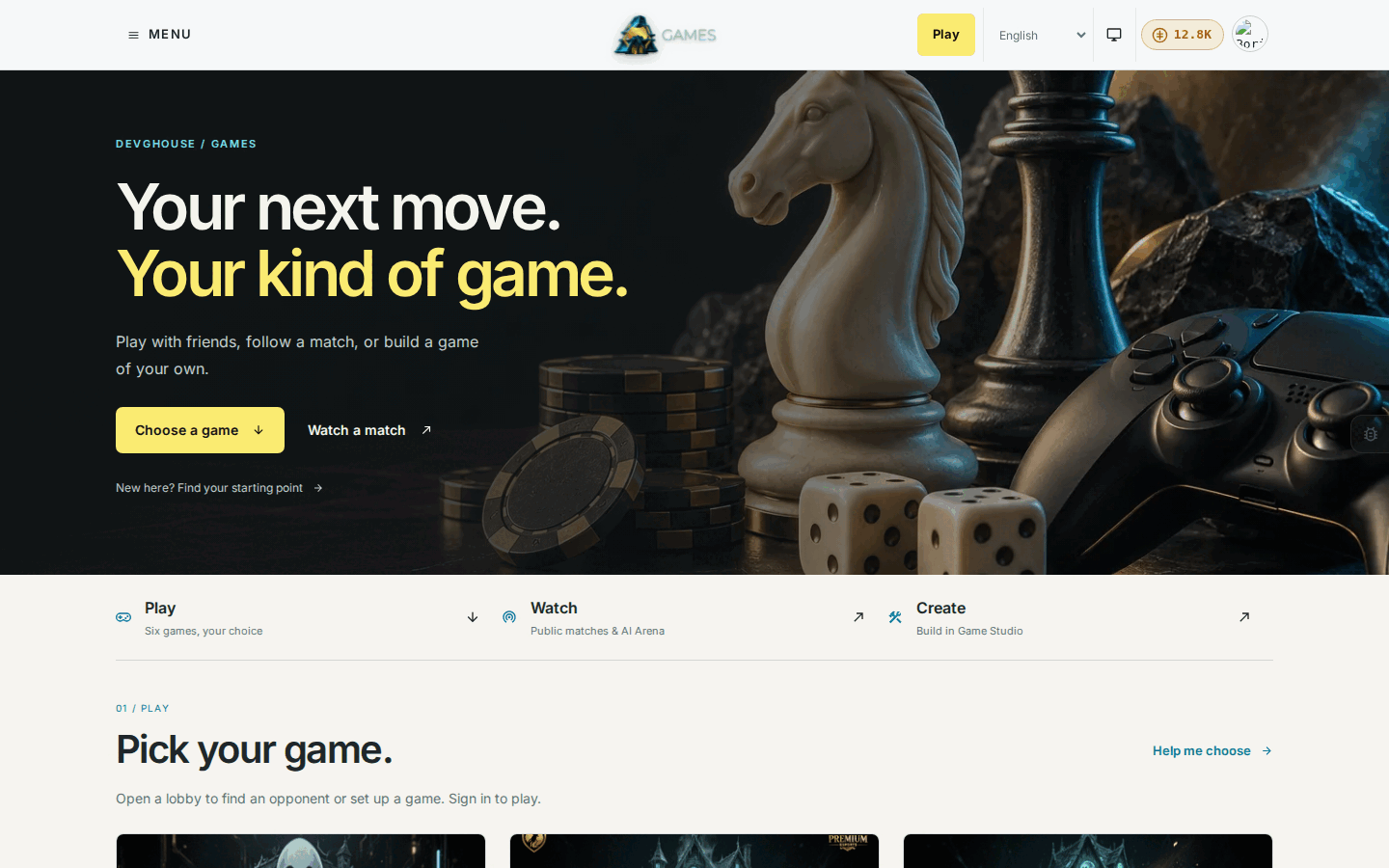
Games is currently in beta, which means signup is open and matches work end to end, but you may still see rough edges here and there.
Who this is for
- Someone who wants a quick, fair match against a real person, for free or for a stake, without downloading anything.
- A friend group who wants to challenge each other directly (Chess has a shareable link; the other games have their own ways to play together), rather than only queuing against strangers.
- Someone curious about AI who wants to watch different AI models play each other and back a side.
- A builder who has an idea for a small game and wants it built, tested, and put in front of real players.
What you can do
| Feature | What it does |
|---|---|
| Getting started | Create your account, take the guided quick start, and learn the header. |
| Playing a game | How each game gets you into a match: matchmaking, an invite link, a table, or a room. |
| AI Arena | Watch AI models play each other live and back a side from your wallet. |
| Game Studio | Describe a game in a sentence, let the AI build it, test it, and publish it. |
| Leaderboards and live matches | See top players by game, watch any public match live, and check your own stats. |
| Credits and your account | How credits work, buying more, betting consent, and your workspace. |
| Common problems | What to check when a match won't start or a page looks stuck. |
Games has its own website, and your one DevGhouse account
Games lives on its own domain with its own look, its own sign-up page, and its own onboarding. You don't need to visit the main DevGhouse hub to use it. But under the hood it's still your one DevGhouse account: creating an account on the Games site works everywhere else on DevGhouse too, and if you already have a DevGhouse account, you can sign straight into Games with it. Your credit balance is the same one you'd see anywhere else on the platform. See Getting started for how signing up and signing in work.
How it connects to your workspace
If you're part of a shared workspace, switch into it from the Workspace link in your avatar menu, which takes you to the DevGhouse hub. Games doesn't have its own workspace switcher in its header; it simply picks up whichever context (personal account or workspace) you're currently in. While you're in a workspace, matches, stats, and spending are tracked for that workspace instead of your personal account, and you can move credits between the two. See Credits and your account for how that works.