
Music
Music, at music.devghouse.com, turns words into a real, sung track and turns a track into a video. Describe a style and it writes and sings a song. Paste a link to a track you like and it remakes the hook with new lyrics in a new sound. Bring any of those songs and it plans a scene for every line of the lyrics and renders a video with a consistent AI character.
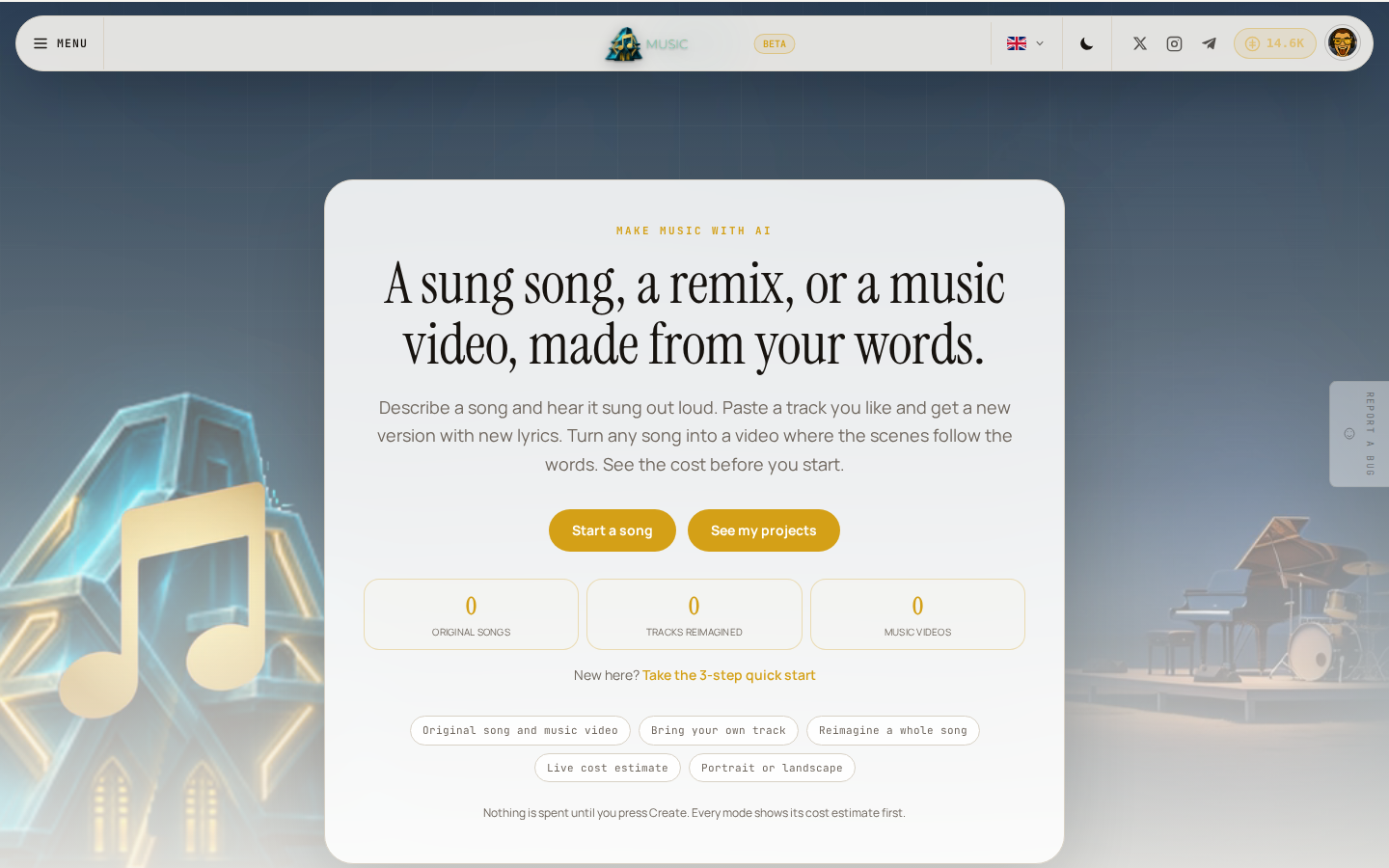
Music is currently in beta, which means it works end to end but is still being tightened up.
Who this is for
- A musician or songwriter who wants to hear an idea sung out loud before booking a studio.
- A creator making short-form video who needs a song and a matching video without a soundtrack license.
- Anyone with a favorite track who wants a new, personal version with their own words in it.
What you can do
| Feature | What it does |
|---|---|
| Write a song from scratch | Describe a style and an optional hook. A brand-new sung song is written, then a matching music video is rendered in the same step. |
| Build a video on your own track | Bring a YouTube link or upload your own audio, choose a character look, and see a live cost estimate before you render a lyric-mapped video. |
| Reimagine a song | Paste a track you love and describe the direction. Music finds the hook, writes new lyrics, and sings a whole new version. |
| Your projects | Every song and video you've made lives in one library, with playback, download, and a switch to make it public. |
| Credits and your own AI account | See what each action costs before you start, and connect your own Claude, Codex, or Kimi account if you already have one. |
| Common problems | What to check when a render fails, why the Create button is greyed out, and other things people run into. |
Three ways to start
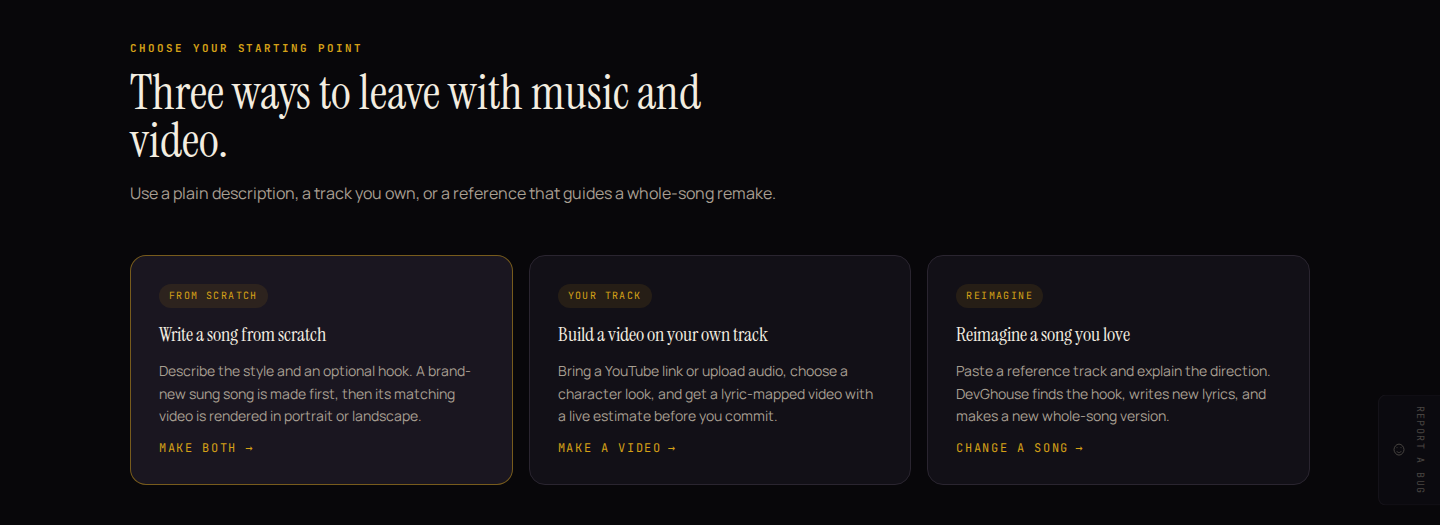
Every mode leads to the same place: a project in Your projects that you can watch, play, and download once it's ready.
How it fits your workspace
Music runs on your regular DevGhouse account and your regular credit balance, the same account you use everywhere else on the platform. There's nothing separate to sign up for. If you're part of a shared workspace, switch into it from the account menu in the header and Music spends and lists projects for that workspace instead of your personal account.
Run it with an AI assistant
If you connect Claude, Codex, or another assistant that supports MCP (Model Context Protocol) to your DevGhouse account, it can make and manage music for you using the same actions this guide describes:
| What you'd ask for | The tool behind it |
|---|---|
| "Write me an upbeat acoustic pop song about starting over" | generate_song |
| "Remake this YouTube track so it's about shipping a project at dawn" | change_song |
| "How much would a video on that song cost, with 3 motion clips?" | music_video_estimate |
| "Now make the video, with a street-musician character" | music_video_create |
| "Is my video done yet?" | music_video_status |
| "Show me everything I've made in Music" | music_project_list, music_project_get |
An assistant only sees and spends from the account or workspace you've connected it to. Editing or deleting a project isn't available to an assistant yet, only through the Music pages themselves.
Credits
Writing or remaking a song, and rendering a video, all spend credits from your regular DevGhouse balance. Nothing is charged for looking around, checking a video's cost estimate, or watching a project's progress. See Credits and your own AI account for exact amounts.